 Corner Table
A social network for the hospitality industry that started with one idea: venues recognizing their regulars.
- Role
- Flutter engineer on P23's MVP team
- Year
- 2023–2024
- Type
- Mobile
- Status
- Delivered
$ cat brief.md# In short
- The problem
- Founders in New York wanted a social app for hospitality: guests, venues and the staff who run them in one product they could put in front of real users.
- My contribution
- In-app chat and group messaging on Firestore, the venues and cities sections, push notifications end to end, and the registration flow together with a colleague, plus the profile and edit-profile screens.
- Result
- The MVP was delivered to the client. A later phase followed that I did not work on.
- Mobile app (Flutter)
- MVP delivered to the client
- Later phases
- Built without me
$ stats --summary# In numbers
- 2023–24
- MVP built and handed over to the client
- 4
- account types: regular user + 3 staff levels
- 4
- inbox tabs: shared, requests, personal, notifications
- 3+
- notification types, each routed to its own screen
$ ls screens/# Screens (tap one to enlarge)
Discover (5)
Sign up, then explore cities and the venues inside them.
Chat & notifications (4)
Direct messages with venues and friends, group chats, regular requests for staff to approve, and notifications.
Add a venue (7)
A step-by-step flow: details, images and menu, then the team with their roles.
Staff & roles (6)
Owners invite staff, give each person an admin or user-access role, and can remove them.
Venue settings (4)
Keep the venue's info, photos, menu and regulars up to date.
$ ls desktop/# On desktop
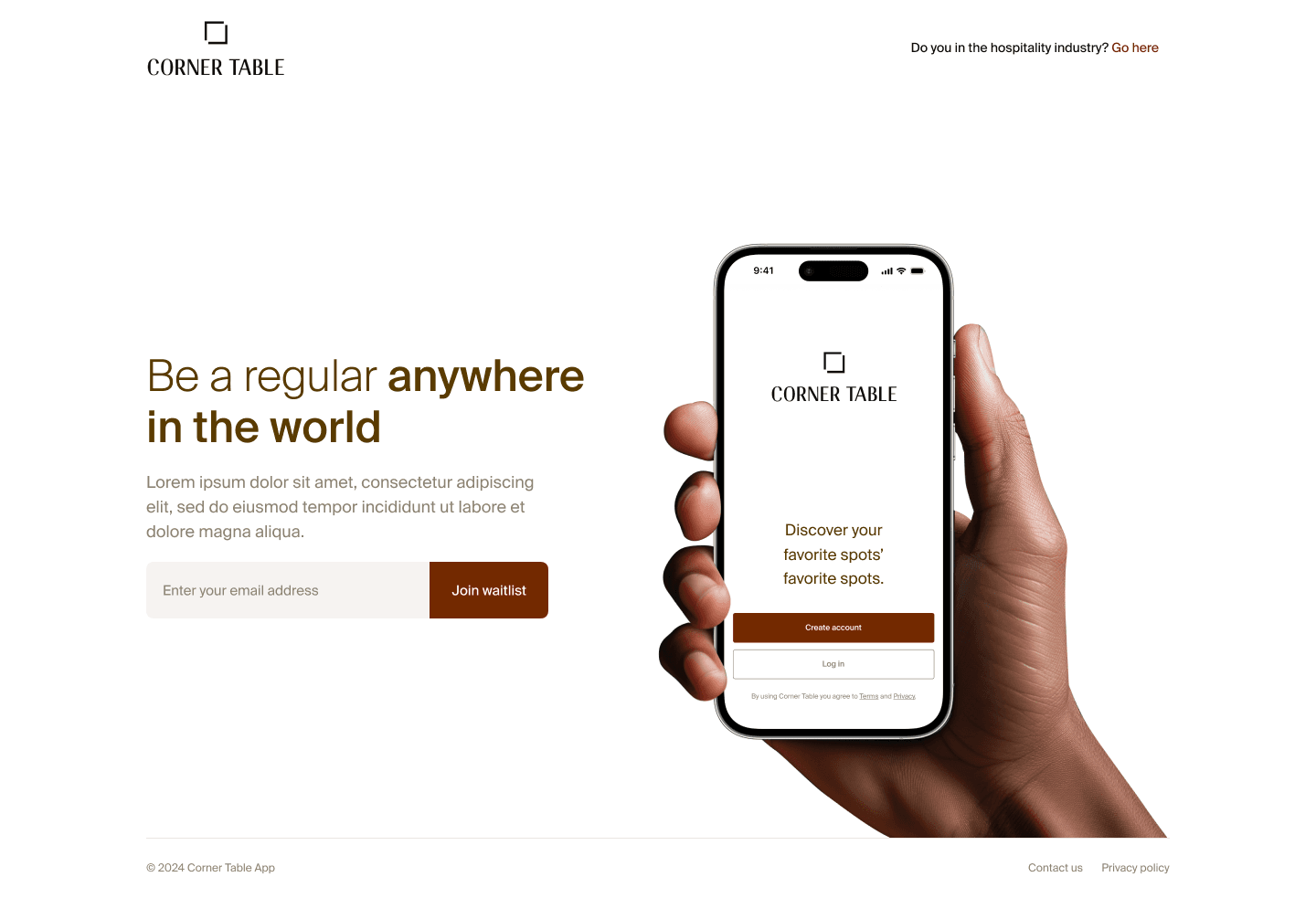
$ cat README.md# System overview
Corner Table is a New York hospitality product built by P23 for its founders. Bartenders and staff already know their regulars, and the app turns that recognition into something real.
You can't just call yourself a regular or say you work somewhere. A guest requests regular status and the venue's staff confirm it, and someone joining a venue's team requests a role that a manager approves. I worked on the MVP's Flutter app: the registration flow (with a colleague), profiles, chat and group messaging, the venues and cities sections, and the notifications that tie them together. The MVP was delivered and handed over to the client, and later became the foundation for a broader industry network built by another P23 team.
$ cat roles.yaml# Who uses it
Nobody declares their own status. A venue's staff confirm who its regulars are, and managers confirm who works there. Staff roles stack: each level can do everything below it, plus more.
Account
Regular user
Anyone who signs up. Explores the network and talks to venues.
- Browse cities and venues
- Request to become a venue's regular, confirmed by its staff
- Message venues directly
- Create groups and chat with friends
- Endorse other venues
Venue staff, level 1 of 3
User access
Front-of-house staff who belong to a venue's team.
Host, Server, Bartender
- Joins by requesting a role that a manager approves
- Confirms guests as the venue's regulars
- Can reply to messages sent to the venue, if their role allows it
Venue staff, level 2 of 3
Admin access
Senior roles that run the venue on Corner Table.
Chef, General manager, Bar manager, Floor manager
- Everything user access can do
- Approve people's requests to join the staff
- Edit the venue's general info, location and tags
- Manage venue images and menu
Venue staff, level 3 of 3
Owner
Controls the venue and decides who does what.
Owner
- Everything admin access can do
- Invite staff by search or by link
- Assign, change and remove staff roles
- Create new venues, which go to approval
$ cat flow.log# How it flows
- Register
- Request regular status or a staff role
- Venue confirms
- Role sets permissions
- Chat, groups & notifications
$ git log --author=amar# My contribution
- Registration flow, built together with a colleague: from sign-up to becoming a regular user or joining a venue as staff.
- Profile and edit-profile screens.
- Chat, built from scratch: users message venues directly, with conversations synced in real time through Firestore listeners.
- Role-aware replies: a message sent to a venue reaches its staff, and only staff whose role allows it can answer on the venue's behalf.
- Group chats: create a group, add people and message everyone at once.
- Venues: a searchable venue list sorted by city or continent, and venue pages with photo galleries, address and contact details, endorsements from other venues and similar-venue suggestions.
- Venue creation: a multi-step flow covering details and tags, images and menu, and team members with roles, ending with the new venue pending approval.
- Cities: a searchable city list with A–Z sorting, and city pages listing each city's venues with an "In-Network only" filter.
- Push notifications through Firebase Cloud Messaging, with device tokens registered and refreshed per user so each notification reaches the right phone.
- Different notification types, each with its own message and destination in the app: a new chat message, a venue being endorsed, and someone becoming staff at a venue.
$ cat fixed-bugs.md# Challenges I solved
A message to a venue has no single recipient. It belongs to the venue, not to one person.
Messages are addressed to the venue and reach its staff, and the option to reply only appears for roles allowed to answer on the venue's behalf.
Push notifications quietly stop working when a device token changes after a reinstall, a new phone or a token refresh.
Tokens are saved per user at sign-in and re-saved on every refresh, so someone with two phones gets notified on both and old tokens get replaced.
Different events needed different messages and had to lead to different places in the app.
Each type (new message, venue endorsed, made staff) carries its own data, so the right text shows and a tap opens the right screen.
Chat, the inbox and unread badges had to stay up to date without the user refreshing.
Firestore real-time listeners drive those screens, so new messages and requests appear instantly.
$ cat learned.txt# What I learned
- How a real product team works: designs from a designer, code review and shipping on a client's timeline.
- Modelling data for Firestore, where you design around how each screen reads data instead of normalized tables.
- Push notifications end to end, from device tokens to opening the right screen on tap.
- That permissions are part of the product: who can do what shapes both the UI and the data.
$ cat package.json# Stack
Flutter · Dart · Firestore · Firebase Cloud Messaging · Firebase